


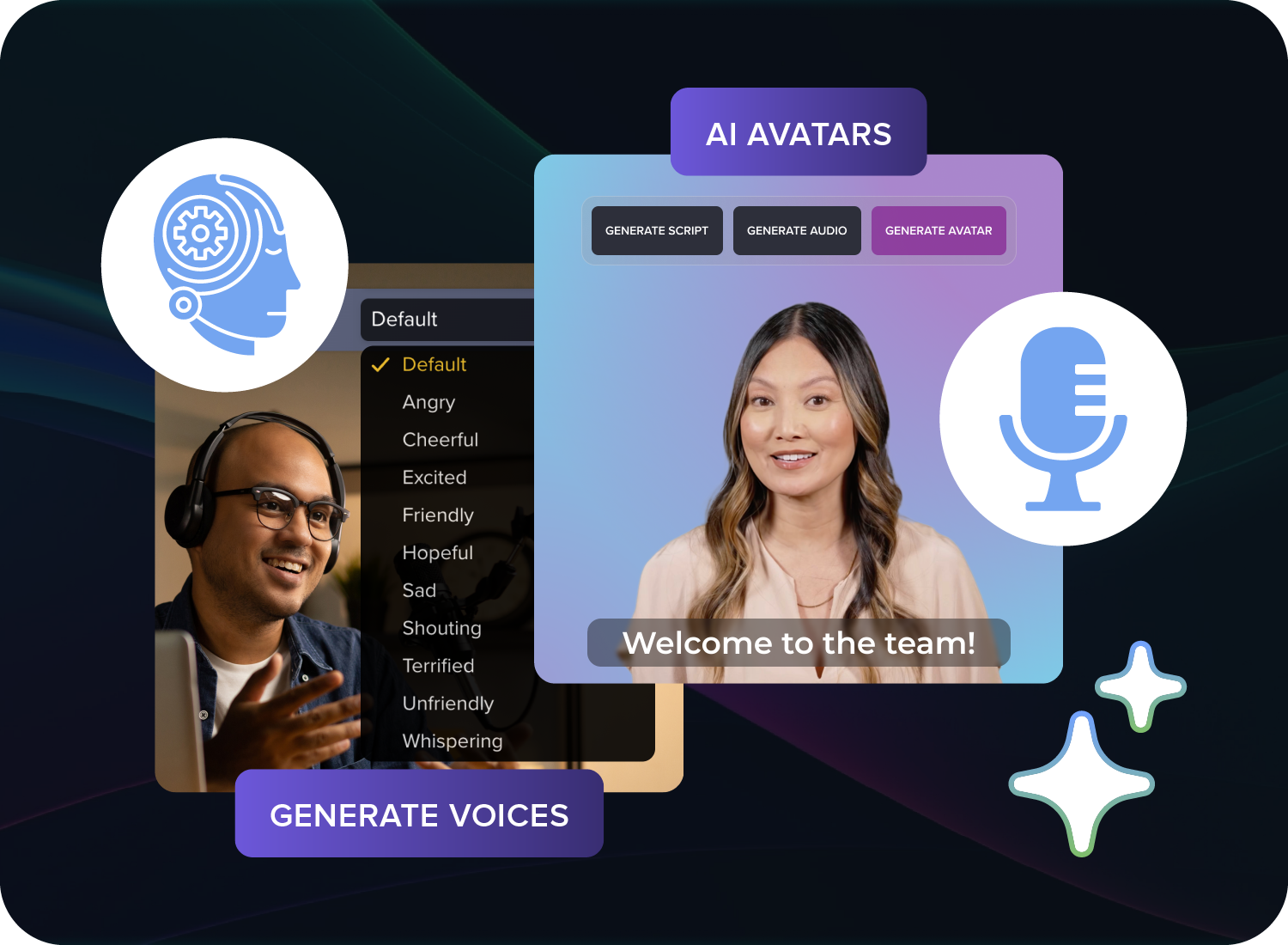
Easily control the emotions and pacing of AI avatars and AI voiceovers in Google Vids
Easily control the emotions and pacing of AI avatars and AI voiceovers in Google Vids
Users can now easily steer voiceover and avatar speaking in Google Vids by typing content within brackets like “[excitedly]”.
 |
Steering suggestions in Vids scripts |
Getting started
- Admins: There is no admin control for this feature.
- End users: Visit the Help Center to learn more about creating voiceovers with AI and using AI avatars in Google Vids.
Rollout pace
- Rapid Release and Scheduled Release domains: Full rollout (1–3 days for feature visibility) started on July 15, 2026
Availability
- Business: Business Starter, Standard, and Plus
- Enterprise: Enterprise Starter, Standard, and Plus
- Education: Education Plus
- Consumer: All users with personal Google accounts, including Google AI Pro and Ultra
- Other Editions: Enterprise Essentials, and Enterprise Essentials Plus; Nonprofits; Individual
- Education Add-ons: Teaching and Learning; Google AI Pro for Education
- Other Add-ons: AI Expanded Access*
Resources
- Google Docs Editors Help: Use AI avatars in Google Vids
- Google Docs Editors Help: Create voiceovers with AI in Google Vids

Option 1: Directing Manually with Bracket Tags
- Open your project on your computer using Google Vids.
- Click Voiceover on the right panel and select either Current scene or All scenes.
- Type an open bracket
[directly into your script text. - A drop-down menu of steering tags will appear automatically.
- Select a modifier from the options (e.g.,
[excitedly],[slowly],[calm], or specific sound effects). - Click Insert voiceover to finalize the track. [1, 2, 3, 4, 5]
Option 2: Using the AI Auto-Tag Feature
- Type your script normally into the voiceover text box.
- Click the “Apply audio tags” button near the script.
- The platform will read your text and automatically populate relevant pacing and emotional tags.
- Play back the draft and manually tweak any tags that require a different presentation style. [1, 2, 3, 4]
Read more
. Deepening our commitment to India’s AI ambition
. Google Credential Provider for Windows Adds FIDO2 Security Key Authentication
. Improvement to in-room problem reporting for Google Meet hardware
. Here’s how to make study notebooks in the Gemini app
. Bryson DeChambeau partners with Google Health
. How We Use AI for Your Health | Made by Google Podcast S9E6
****************************************************************************
. New refinement capabilities allow custom editing with Help me write in Gmail
. Now available: group conversations with external collaborators in Google Chat
. Waze rolls out new customization features and more Gemini updates
. Optimize your reach and frequency across campaigns with video campaign groups.
. Made to Create | Scott Hansen is Tycho | Adobe
. AI SEO: Writing That’s Specific May Get Cited More
. How Gemini is speaking the language of Southeast Asia
. Building the safety foundations for India’s agentic future
. NotebookLM is now Gemini Notebook
for more refer Gemini website click here
for more refer Artificial Intelligence website click here