


How Artificial Intelligence is Transforming Smartphones in 2026
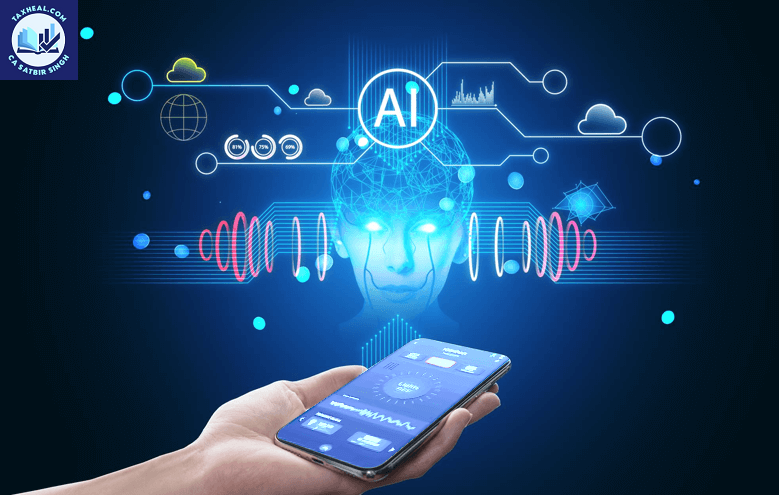
How Artificial Intelligence is Transforming Smartphones in 2026
Smartphones have become an essential part of our daily lives. From communication to banking, entertainment to education, almost every activity today revolves around mobile devices. However, what makes modern smartphones truly powerful is the integration of Artificial Intelligence (AI).
In 2026, AI is not just a feature in smartphones—it is the backbone that enhances user experience, improves performance, and makes devices smarter than ever before.
This article explains in a simple and practical way how AI is transforming smartphones and how it benefits everyday users.
What is AI in Smartphones?
Artificial Intelligence in smartphones refers to the ability of the device to learn from user behavior, analyze data, and make intelligent decisions without manual input.
Popular AI-enabled assistants like Google Assistant and Siri are examples of how smartphones use AI to interact with users in a natural and efficient manner.
Key Areas Where AI is Used in Smartphones
1. Face Unlock and Biometric Security
One of the most common uses of AI in smartphones is in security systems.
AI enables:
- Face recognition for unlocking phones
- Fingerprint scanning with improved accuracy
- Detection of unauthorized access attempts
These systems continuously learn and adapt, making them more secure over time. For example, even if your appearance changes (beard, glasses, lighting), AI adjusts to recognize you correctly.
2. Voice Assistants and Smart Commands
AI-powered voice assistants have completely changed how users interact with their devices.
With tools like Google Assistant, users can:
- Make calls and send messages
- Set reminders and alarms
- Get weather and news updates
- Control smart home devices
The biggest advantage is hands-free operation, making smartphones more convenient and accessible.
3. Smart Camera and Photo Enhancement
AI has revolutionized smartphone photography.
Modern smartphones use AI for:
- Scene detection (food, night, portrait, landscape)
- Automatic brightness and color correction
- Background blur (portrait mode)
- Image stabilization
AI ensures that even non-professional users can capture high-quality images without technical knowledge.
4. Battery Optimization and Performance Management
Battery life is a major concern for smartphone users. AI helps solve this problem effectively.
AI tracks your usage patterns and:
- Limits background activity of unused apps
- Prioritizes power for frequently used applications
- Adjusts brightness and performance automatically
This results in longer battery life and smoother performance.
5. Personalized User Experience
AI studies user behavior and preferences to provide a customized experience.
Examples include:
- App suggestions based on usage
- Smart replies in messaging apps
- Personalized content recommendations
Platforms like YouTube and Instagram use AI to show content tailored to user interests.
6. AI in Keyboard and Text Input
Typing on smartphones has become smarter due to AI.
Features include:
- Predictive text suggestions
- Auto-correction
- Voice typing
AI understands language patterns and improves typing speed and accuracy.
7. AI in Navigation and Maps
Navigation apps rely heavily on AI to provide real-time information.
For example, Google Maps uses AI to:
- Suggest the fastest routes
- Predict traffic conditions
- Provide alternative routes
This helps users save both time and fuel.
Benefits of AI in Smartphones
1. Improved Convenience
AI automates tasks, reducing the need for manual effort.
2. Better Security
Advanced biometric systems protect user data effectively.
3. Time Saving
Instant responses and automation increase efficiency.
4. Enhanced User Experience
Personalization makes smartphones more user-friendly.
Challenges and Concerns
Despite its advantages, AI in smartphones also raises some concerns:
1. Data Privacy
AI collects user data to function effectively, which raises privacy issues.
2. Over-Dependence
Excessive reliance on AI may reduce human decision-making ability.
3. Accuracy Issues
AI may sometimes provide incorrect suggestions or results.
Future of AI in Smartphones from Artificial Intelligence is Transforming Smartphones
The future of AI in smartphones looks promising. Upcoming advancements may include:
- More advanced voice recognition
- Fully automated personal assistants
- Improved health monitoring features
- AI-powered financial and tax management tools
Smartphones will continue to evolve into intelligent personal assistants that can handle complex daily tasks.
Conclusion
Artificial Intelligence has transformed smartphones from simple communication devices into powerful smart assistants. Features like face recognition, voice commands, smart cameras, and personalized experiences are all driven by AI.
For the general public, understanding and using these features can significantly improve productivity, convenience, and overall digital experience.
As AI continues to evolve, smartphones will become even smarter, making daily life easier and more efficient.
Relates Post
2. Notebooks to the Gemini app new update
4. Visualizing World Models with Project Genie | Vibe Coding with Gemini
5. Recap: Vibe Coding with Gemini 3 on Launch Day
6. Vibe coding with Gemini 3 | Live from Mountain View
7. Try notebooks in Gemini to easily keep track of projects
8. How a Graphic Designer uses AI Studio for Interactive Art
9. 6 easy ways to study for finals with Gemini
10. New Home Google Gemini SB Commercial 2026
11. Google Search with Gemini 3: Our most intelligent search yet
12. Vibe Coding with Gemini 3 in Google AI Studio
13. A new era of intelligence with Gemini 3
14. Make anything with Gemini 3 Flash Personalized Cat Calendar App in Minutes
15. Gemini 3 just crushed everything
16. Gemini 3 Pro: It was worth the wait!!!
17. Gemini AI photo Editing Tips
19.How to enable Gemini in gmail
for more refer Artificial Intelligence website click here
Pingback: Artificial Intelligence