


Organize My Files in Drive now generally available

Organize My Files in Drive now generally available
In October 2025, we launched a beta for Organize My Files in Drive. This feature is now generally available and has started rolling out to eligible Google Workspace and Google AI plans.
It can be overwhelming to see loose files in your Drive and moving them into the right folder can be manual, tedious, and repetitive. Gemini can help you organize your Drive by providing suggestions of where to move loose files based on your organizing structure and strategies.
Users can access this view through a dedicated entry point titled “Suggest File Moves” within My Drive and parent folders. The dedicated interface displays recommendations divided into two sections: moving files to existing folders, and creating new folders for related file groupings. End users can review these recommendations before any files are relocated.
The interface supports several interactive adjustments:
- Reviewing files and folders through hovercards or opening them in a new tab.
- Selecting or deselecting specific file suggestions using checkboxes.
- Customizing target destinations or renaming proposed new folders directly inline.
Once the user approves the selection, the system performs a batch move and prompts the user to confirm any resulting permission changes. This feature helps users in reducing digital clutter and maintaining organized file structures with minimal manual effort.
Note that this feature is available globally in English.
Getting started
- Admins: This feature is available by default if Gemini for Workspace in Drive is enabled.
- End users: You must have Workspace smart features enabled to use Organize My Files in Drive. Visit the Help Center to learn more about letting Gemini organize your files.
Note: Through July 15, 2026, Workspace customers will get promotional access to higher limits for Organize My Files, allowing users to experiment with this feature. Users will see a notification when they use this feature to inform them of the limited higher promotional access period. Per-user usage limits will apply after that date; we’ll provide more information in the Help Center in advance of updated usage limits going into effect.
Rollout pace
- Rapid Release and Scheduled Release domains: Available now
Availability
- Business: Business Standard and Plus
- Enterprise: Enterprise Standard and Plus
- Consumer: Google AI Pro and Ultra
- Education Add-ons: Google AI Pro for Education
- Other Add-ons: AI Expanded Access
Resources
- Google Drive Help: Let Gemini organize your files
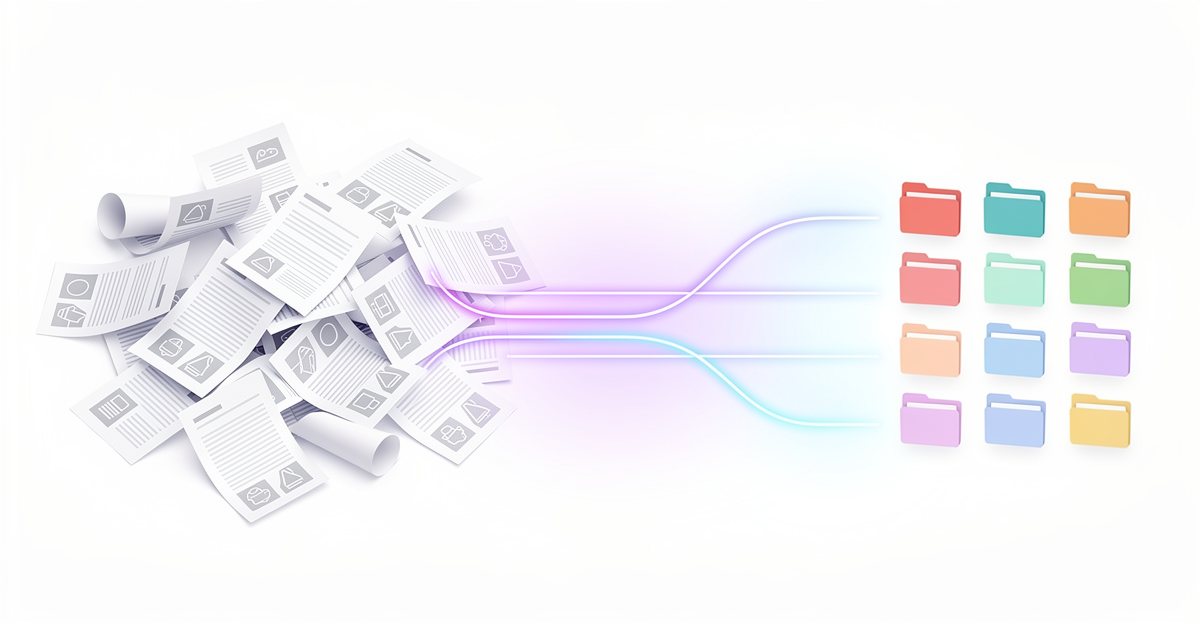
Google’s “Organize My Files” feature is now generally available for eligible Workspace and Gemini users. The tool uses Gemini AI to analyze loose items in your Drive, automatically suggesting logical paths to move them into existing folders or group them into new ones—completely saving you from manual, tedious dragging and dropping. [1, 2]
How to Use the Feature
- Access the Tool: Head over to Google Drive, and open My Drive or any parent folder.
- Click Suggest File Moves: If you have files waiting to be categorized, a dedicated “Suggest File Moves” button will appear.
- Review & Execute: The AI will present its recommendations in two categories: Move to existing folders or Create new folders.
- Customize and Apply: Select or deselect specific files using checkboxes, or inline rename the newly proposed folders to match your organizational habits.
- Confirm Moves: Once approved, Gemini will batch-move the files and prompt you to verify any permission changes before finalizing. [1, 2]
Key Details to Keep in Mind
- Availability & Language: The feature is accessible globally in English. It is included with your Gemini for Workspace subscription.
- Promotional Allowance: Through July 15, 2026, Google is granting Workspace customers higher usage limits for the tool so you can heavily clean up your digital clutter at no extra cost. [1, 2]
For more details on setting up smart features and managing AI organization, check out the official Google Drive Help Center. [1, 2]
Read more
. Share chats, canvases, and generated media from the Gemini app securely via Google Drive
for more refer Gemini website click here
for more refer Artificial Intelligence website click here