


Connect to Google Meet hardware with room codes now in Early Preview

Connect to Google Meet hardware with room codes now in Early Preview

Getting started
- Admins: Admins: To preview this feature, your domain must be on the Rapid Release track and have devices enrolled in Early Preview. Visit the Help Center to learn more about enabling Early Preview for your Meet hardware devices.
- End users: Visit the Help Center to learn more about connecting with room codes.
Rollout pace
- Rapid Release domains: Rolling out now to Meet hardware devices enrolled in Early Preview, with expected completion by June 30, 2026
Availability
- Available to all Google Workspace customers with Google Meet hardware devices
Resources
- Google Meet Help: Use Connect room feature in Google Meet
- Workspace Updates Blog: Seamlessly join meetings on Google Meet hardware with “Connect room”
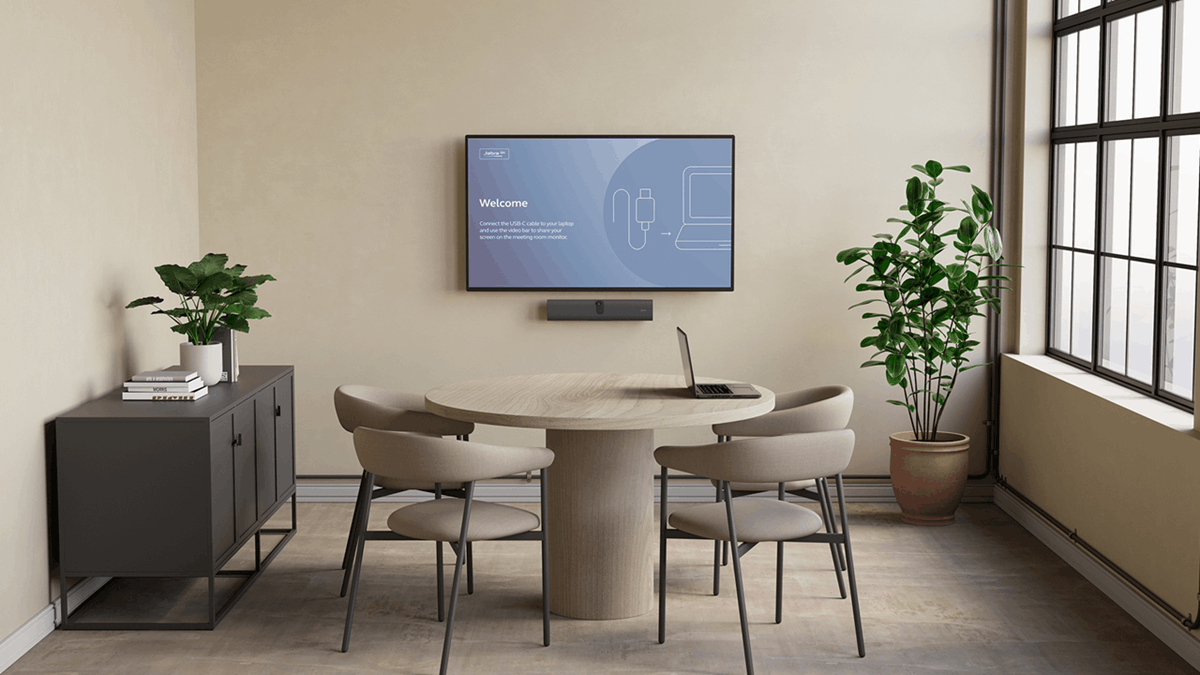
Admin Setup Requirements
- Rapid Release Track: Ensure your Google Workspace domain is set to the Rapid Release track.
- Early Preview Enrollment: Opt your selected devices into the Early Preview Rooms (EPR) program via the Google Admin Console under Devices > Google Meet hardware > Device Settings > Feature Preview > Select Early Preview. [1, 4, 5]
How to Connect Using a Room Code
- Locate the Code: Find the 5-character alphanumeric room code displayed at the top of the main Google Meet hardware screen in the conference room. This code refreshes every few minutes for security. [1, 2, 6]
- Open the Pre-Call Screen: On your personal laptop, navigate to Google Meet, enter your meeting details, or select a scheduled event to open the pre-meeting “green room” screen. [6]
- Initiate Connection: Click the “Connect with room code” button located on the right side of the pre-call layout. [1, 6]
- Enter Code: Type the code shown on the hardware screen into your laptop and click Connect Room. [6]
- Physical Confirmation: To prevent accidental or unauthorized remote connections, you must physically tap “Connect” on the room’s touchscreen console to authorize the laptop. [1, 6]
Read more
. The 5-Minute AI Weekly Recap: Realignment Week
. Troubleshoot formula errors quickly with Gemini in Google Sheets
. Google DeepMind and A24 announce first-of-its-kind research partnership
. How to Share Your Google AI Studio App in Minutes
. Google NotebookLM is transforming student success at FSU
. Interactions API: our primary interface for Gemini models and agents
. Explore Colonial Williamsburg with Google Arts & Culture
. Expanding financial advertiser verification across Europe
. This Is The First Real Shape Of AGI: Fusion Agents
. Your biggest ideas now bigger | June ’26 Pixel Drop
. Enhanced security monitoring with expanded Admin password reset alerts
. Join Google Meet calls from Safari on iOS devices
. Google Apps Script is now a Google Workspace core service with enterprise-grade data protection
for more refer Gemini website click here
for more refer Artificial Intelligence website click here