


How to Download GSTR 2 data from GST Portal
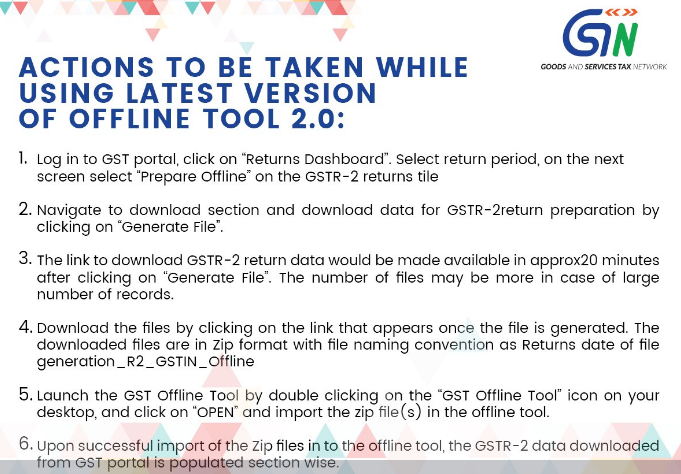
ACTIONS TO BE TAKEN WHILE USING LATEST VERSION OF OFFLINE TOOL 2.0:
1. Log in to GST portal, click on “Returns Dashboard”. Select return period, on the next screen select “Prepare Offline” on the GSTR-2 returns tile
2. Navigate to download section and download data for GSTR-2 return preparation by clicking on “Generate File”.
3. The link to download GSTR-2 return data would be made available in approx20 minutes after clicking on “Generate File”. The number of files may be more in case of large number of records.
4. Download the files by clicking on the link that appears once the file is generated. The downloaded files are in zip format with file naming convention as Returns date of file generation _R2_GSTIN_Offline
5. Launch the GST offline Tool by double clicking on the “GST Offline Tool” icon on your desktop, and click on –OPEN” and import the zip file(s) in the offline tool.
6. Upon successful import of the Zip files in to the offline tool, the GSTR -2 data downloaded from GST portal is populated section wise.
Related Topic on GST
| Topic | Click Link |
| GST Acts | Central GST Act and States GST Acts |
| GST Rules | GST Rules |
| GST Forms | GST Forms |
| GST Rates | GST Rates |
| GST Notifications | GST Act Notifications |
| GST Circulars | GST Circulars |
| GST Judgments | GST Judgments |
| GST Press Release | GST Press Release |
| GST Books | Best Books on GST in India |
| GST Commentary | Topic wise Commentary on GST Act of India |
| GST You Tube Channel | TaxHeal You Tube Channel |
| GST Online Course | Join GST online Course |
| GST History | GST History and Background Material |