


Before you hand over your Key Card, enable Valet Mode to limit a valet driver or other guest’s access to your glove box, navigation history and saved locations like your home address. You can also set a max speed limit so that they don’t have too much fun.
See how it works or schedule a demo drive to try it for yourself.
Demo Drive: https://www.tesla.com/drive
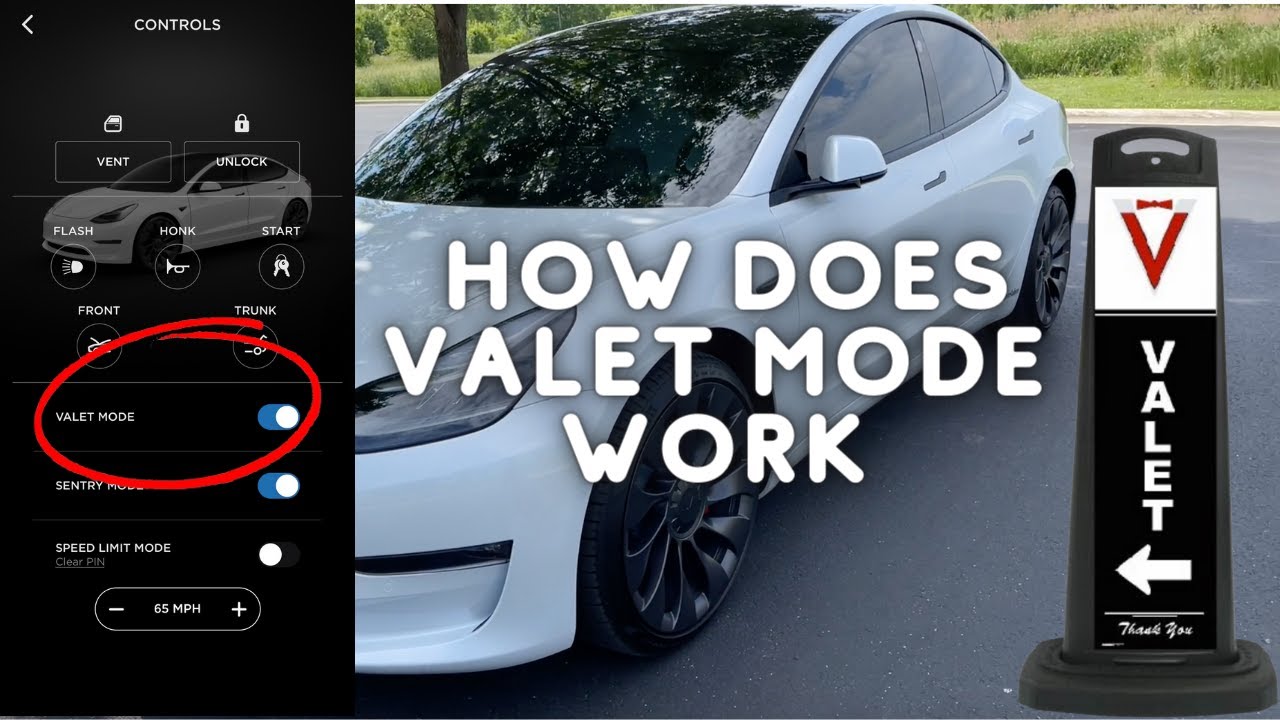
Valet Mode is a built-in digital security and privacy feature available in most modern vehicles. It temporarily restricts engine performance, limits top speed, and locks down the infotainment screen when you hand over your keys to a valet parking attendant, mechanic, or detailer. [1, 2, 3]
Key Capabilities of Valet Mode
- Data Privacy: It locks the central screen with a PIN. This prevents strangers from accessing your home address, phone contacts, call logs, navigation history, or saved garage door openers. [4, 5, 6, 7]
- Performance Restrictions: Many vehicles cap the top speed (e.g., Tesla limits speed to 113 km/h / 70 mph; Mahindra caps it at 80 km/h) and dull the acceleration. This prevents joyriding or aggressive driving. [7, 8, 9, 10, 11]
- Physical Security: Depending on the automaker, activating Valet Mode automatically deadbolts the glove box and the front trunk (frunk) while leaving the main trunk accessible for your luggage. [7, 12]
- Remote Tracking: Brands like Hyundai via Bluelink and Kia Connect feed live diagnostics to your smartphone app. You can monitor the exact time the engine turned off, total distance driven, and the highest speed reached. [13, 14, 15]
How to Turn It On and Off
| Step [7, 13, 15, 16, 17] | Action | Details |
|---|---|---|
| 1. Access Menu | Navigate to the infotainment screen. | Look for Settings, Vehicle Settings, or your User Profile. |
| 2. Set a PIN | Select Valet Mode and enter a 4-digit code. | Enter it twice to confirm and activate the digital lock. |
| 3. Turn Off | Re-enter the same 4-digit PIN upon your return. | Alternatively, disable it on the fly using your manufacturer’s mobile app. |
Valet Mode of the Car | Safety & Security before handing …, YouTube · CarVaidya · 2025 M08 13
If you want to know how this works for your specific vehicle, let me know:
- Your car’s make and model
- The year of manufacture
Read more
. Empowering Indian app innovators: Applications open for Google Play Accelerator India
. Meta Ray-Ban glasses may soon identify faces using AI
. Gemini for Science: AI experiments and tools for a new era of discovery
. Designing the Hikawa Grip & Stand for iPhone: an accessible accessory
. 4 ways to keep up with the FIFA World Cup 2026
. Google Drive’s Document Scanner Gets Major
. Announcing Apple’s next big step for Siri and iPhone
for more refer Gemini website click here
for more refer Artificial Intelligence website click here