


Now available: group conversations with external collaborators in Google Chat

Now available: group conversations with external collaborators in Google Chat
For many teams, it’s essential to be able to work in real-time with partners from outside your organization. We’re improving external collaboration in Google Chat by making it possible to create group conversations that include external users.
Previously, teams using Google Chat could only create 1:1 conversations with external users, or create a space in Chat with external access enabled.
With this update, it’s now possible to create group conversations with multiple external users, reducing friction and streamlining external collaboration. No additional configuration is required, and access for external users is enabled once they accept an invitation through an email notification. Group conversations with external members are labeled with a visible badge to help ensure that users are aware of the context for all conversations in Chat.

Getting started
- Admins: External group DMs share the same admin controls as external spaces. Ensure that the External spaces & group direct messages admin setting is enabled for your organization to allow users to create or join external group DMs.
- End users: If allowed by their admin, end users can add external users when they create a new group DM. External users can’t be added to existing group DMs that only have internal users. External users who are added to group DMs will receive an email invitation and must accept the invitation to participate in the group conversation.
Rollout pace
- Rapid Release domains: Rolling out now, with expected completion by July 17, 2026
- Scheduled Release domains: Gradual rollout (up to 15 days for feature visibility) starting on July 24, 2026
Availability
- Available to all Google Workspace customers and Workspace Individual subscribers
Resources
- Google Chat Help: External group DMs in Google Chat
- Google Workspace Admin Help: Control external Chat & spaces chat options
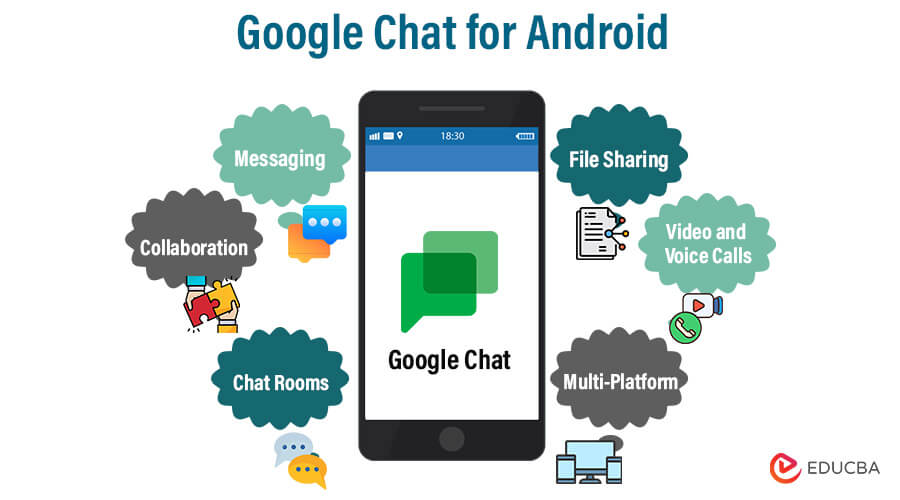
- How to Start: If your organization allows it, simply add external users’ email addresses when starting a new group message.
- Invitation Process: Added external users will receive an email invitation. They must accept it before they can participate.
- Visible Badges: Group chats with external members are automatically tagged with a visible badge so users are aware of the conversation’s context.
- Limitations: External users cannot be added to existing group DMs that only consist of internal users. [1]
Would you like help verifying if your Google Workspace administrator has enabled this feature, or do you need strategies on using Spaces vs. Group Direct Messages for external projects?
Read more
. Google Workspace Weekly Recap – July 10, 2026
. Create shareable video clips in seconds with Video Remix in Google Photos.
. Building the future of global health, together
. Google rolling out AlphaEvolve widely to solve Google Cloud customers’ hardest problems.
. Expanding AI transparency in ads
. AI agents explained: Build your first agent in 8 minutes
. A Full-Stack Engine for India’s Startups
. Deepening our commitment to India’s AI ambition
. Google Credential Provider for Windows Adds FIDO2 Security Key Authentication
. Improvement to in-room problem reporting for Google Meet hardware
. Here’s how to make study notebooks in the Gemini app
. Bryson DeChambeau partners with Google Health
. How We Use AI for Your Health | Made by Google Podcast S9E6
. New refinement capabilities allow custom editing with Help me write in Gmail
for more refer Gemini website click here
for more refer Artificial Intelligence website click here