


Fill with Gemini in Sheets now available in 11 additional languages

Fill with Gemini in Sheets now available in 11 additional languages
Earlier this year, we announced Fill with Gemini in Google Sheets, a new AI-powered feature designed to make data preparation and manual entry even easier. Leveraging the capabilities of the AI function in Google Sheets, Fill with Gemini eliminates the need for complex formulas, helping you easily generate text, summarize information, categorize data, or analyze sentiment at scale with generated content appearing directly in the cells you choose.
Previously available in English, Spanish, Portuguese, Japanese, Korean, French, Italian, and German, both Fill with Gemini and the AI function are now expanding to users in Mandarin, Dutch, Malay, Hebrew, Polish, Turkish, Czech, Indonesian, Swedish, Danish, and Norwegian.
Getting started
- Admins: Fill with Gemini is an entry point to the existing AI function. It will be hidden if the Smart features for Google Workspace setting is disabled. Visit the Help Center to learn more about managing Google Workspace smart features for your users.
- End users: You must have Workspace smart features enabled to use Fill with Gemini. Users can trigger Fill with Gemini by dragging a selection or selecting empty cells to see the prompt menu. Visit the Help Center to learn more about filling columns with Gemini.
Rollout pace
- Rapid Release and Scheduled Release domains: Gradual rollout (up to 15 days for feature visibility) starting on July 7, 2026
Availability
- Business: Business Standard and Plus
- Enterprise: Enterprise Standard and Plus
- Consumer: Google AI Pro and Ultra
- Education Add-ons: Google AI Pro for Education
- AI Add-ons: AI Expanded Access*
*Starting July 15, 2026, users with AI Expanded Access licenses will have higher limits on usage of Fill with Gemini and the AI function in Sheets.
Resources
- Google Docs Editors Help: Use the AI function in Google Sheets
- Google Admin Help: Set smart features & controls on or off for users
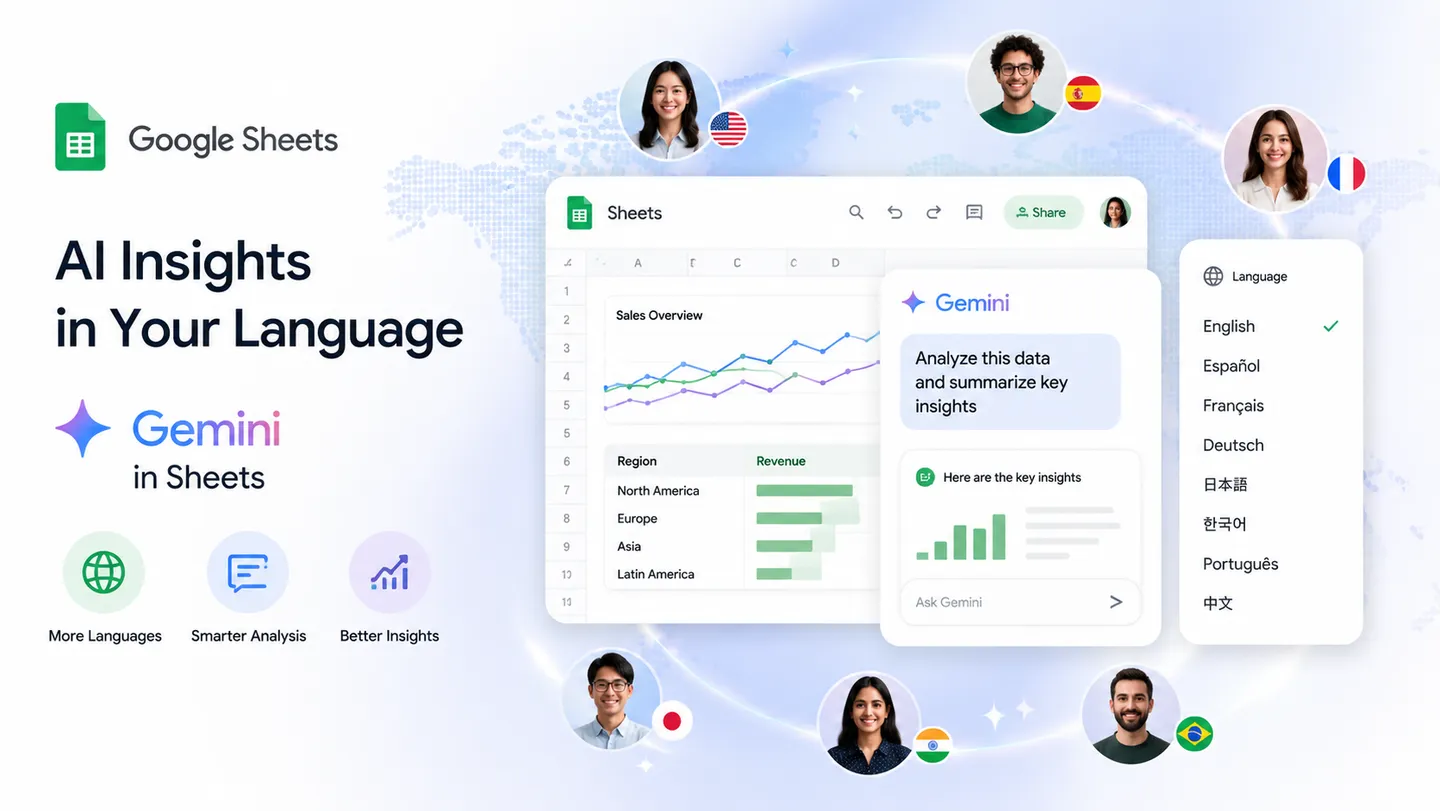
🌐 The 11 New Supported Languages
- Mandarin
- Dutch
- Malay
- Hebrew
- Polish
- Turkish
- Czech
- Indonesian
- Swedish
- Danish
- Norwegian
🛠️ What “Fill with Gemini” Does
- Data Preparation: Automatically cleans, formats, or categorizes unstructured data entries.
- Text Generation: Automatically draft localized or contextual responses inside your cells.
- Sentiment Analysis: Review and label bulk feedback text efficiently at scale.
- No-Code Automation: Triggers intelligent text extensions simply by dragging a selection or highlighting empty cells to open the prompt menu. [1, 4, 6]
🚀 How to Access It
- End Users: Select an empty range or drag a selection to trigger the built-in Gemini prompt menu.
- Admins: The feature remains active as an entry point to the primary Sheets AI function unless disabled via your admin console’s Smart Features setting. [1, 7]
Read more
. AI Content Didn’t Stop Working, Your Metrics Did
. Anthropic deploys Claude Sonnet 5, Fable and Mythos restored
. Full body waif us, Claude Fable is back, Long Cat 2.0, mind-reading AI, live video editing: AI NEWS
. Science-Backed E20 Fuel: Engineered for Reliable, High-Performance Journeys
. What is E20 Petrol? Meaning, Benefits, Impact & Compatibility Explained
. Cristiano Ronaldo Emotional Moments 😢💔 | Never Give Up Legend 🐐⚽
. Voice Coding Demo: MAI-Code-1-Flash Microsoft AI Models
. Big news for Jodhpur! A world-class airport terminal is here
. MCP vs API: Why traditional APIs are failing AI agents
. A new way to connect and earn with gifts
. What’s at the center of Claude’s mind?
. Join video conferences on Google Meet hardware via SIP through Pexip
. Occupancy counting now available for Google Meet on Neat room hardware
for more refer Gemini website click here
for more refer Artificial Intelligence website click here