


Occupancy counting now available for Google Meet on Neat room hardware

Occupancy counting now available for Google Meet on Neat room hardware
Review room booking and occupancy in the Admin console
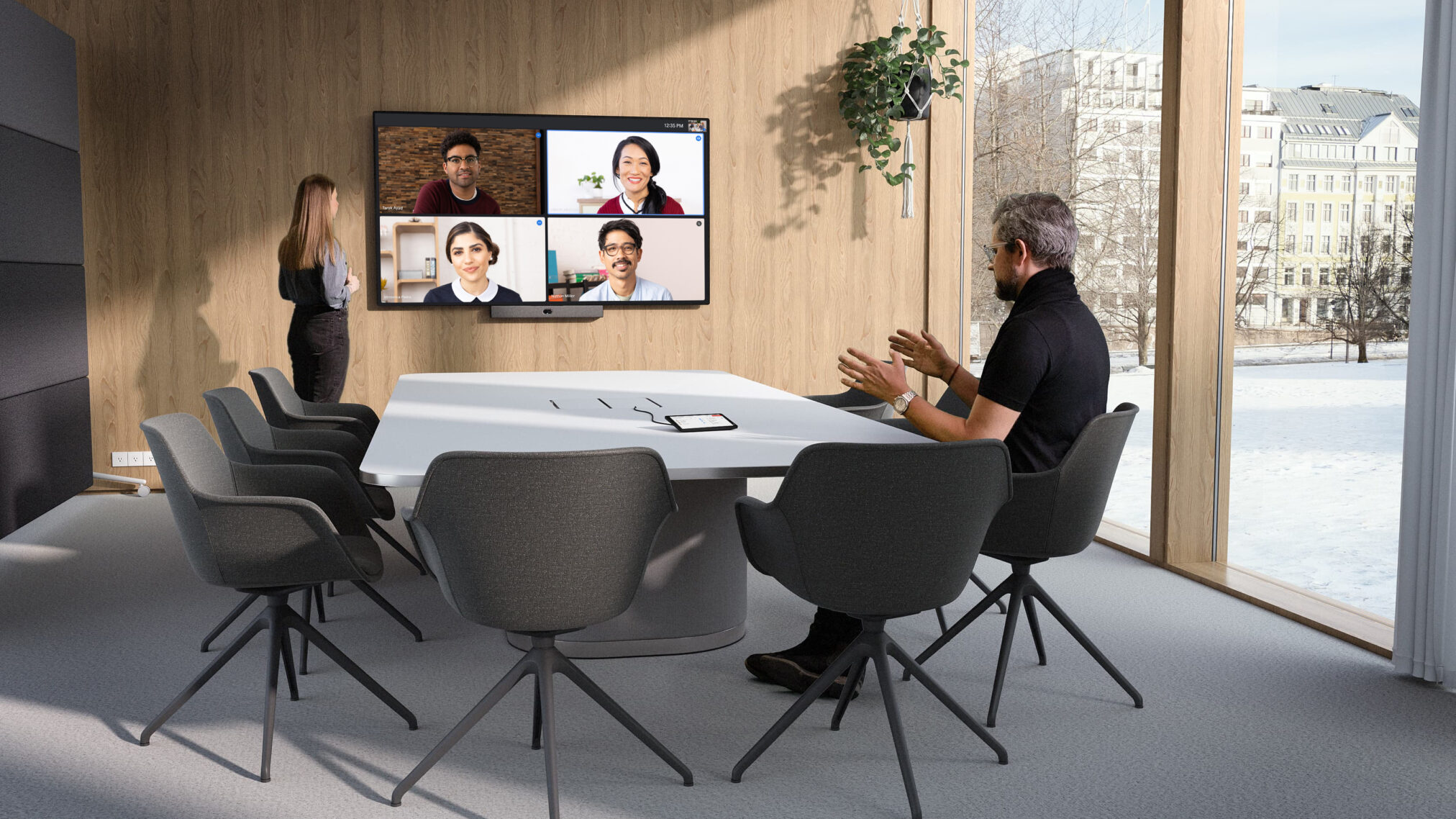
Occupancy counting is now available for Android-based Neat room hardware to help measure how meeting rooms are used. This feature brings the same occupancy counting capabilities found on ChromeOS devices to Android-based hardware.
Understanding room occupancy helps organizations optimize real estate and room design based on user needs. For instance, organizations can track if rooms with older video hardware are being avoided in favor of rooms equipped with better tracking cameras and audio bars.
Admins can review occupancy data in the Google Admin console and optionally download it as a spreadsheet. This feature does not collect or store any personally identifiable information (PII). Because occupancy detection processes data locally on the device, the camera LED indicator may remain off during counting depending on the hardware vendor. Refer to vendor documentation for device-specific information.
Getting started
- Admins: This feature will be off by default and can be enabled at the domain, organizational unit (OU), or group level. Visit the Help Center to learn more about turning on occupancy detection.
- End users: There is no end-user setting for this feature.
Rollout pace
- Rapid Release and Scheduled Release domains: Extended rollout (potentially longer than 15 days for feature visibility) started on July 6, 2026
Availability
- Available to all Google Workspace customers with Google Meet on Neat AOSP hardware devices.
Resource
- Google Workspace Admin Help: Turn on occupancy detection
- Google Workspace Admin Help: Track room and device usage with Meet hardware
Key Benefits & Use Cases
- Space Optimization: Helps organizations measure and track how meeting rooms are utilized.
- Design Insights: Identifies if users are avoiding older room hardware in favor of newer video bars.
- Real Estate Planning: Provides data to optimize workspace layouts based on actual user demand. [1]
Admin Management & Data Control
- Google Admin Console: Administrators can review real-time occupancy data directly in the Google Admin Console or export it as a spreadsheet. [1]
- Local Processing: Machine learning models analyze camera images locally on the device. [4]
- Privacy Focused: The tool only collects statistics and does not store or transmit personally identifiable information (PII). [1, 4]
- LED Status Indicators: Because processing occurs locally on the hardware, the camera’s LED indicator may remain off during counting depending on specific Neat device parameters. [1]
How to Turn It On
- This feature is off by default and must be enabled by an administrator.
- Admins can activate it at the domain, organizational unit (OU), or group level.
- Go to
Devices > Google Meet hardware > Devicesin your management console. - Select the target Neat hardware and turn Occupancy detection On.
- End users do not have access to change this setting locally. [1, 4]
Read more
. Anthropic deploys Claude Sonnet 5, Fable and Mythos restored
. Full body waif us, Claude Fable is back, Long Cat 2.0, mind-reading AI, live video editing: AI NEWS
. Science-Backed E20 Fuel: Engineered for Reliable, High-Performance Journeys
. What is E20 Petrol? Meaning, Benefits, Impact & Compatibility Explained
. Cristiano Ronaldo Emotional Moments 😢💔 | Never Give Up Legend 🐐⚽
. Voice Coding Demo: MAI-Code-1-Flash Microsoft AI Models
. Big news for Jodhpur! A world-class airport terminal is here
. MCP vs API: Why traditional APIs are failing AI agents
. A new way to connect and earn with gifts
. What’s at the center of Claude’s mind?
. Join video conferences on Google Meet hardware via SIP through Pexip
for more refer Gemini website click here
for more refer Artificial Intelligence website click here