


Gemini for macOS adds new natural language capabilities
Gemini for macOS adds new natural language capabilities
Speak naturally to Gemini to get clean transcriptions, edits, and summaries dropped right into the app you’re using.
The Gemini app for macOS was built to keep you in your flow. Today, we’re introducing a new way to create, edit, and summarize with Gemini using just your voice, right where you are already working.
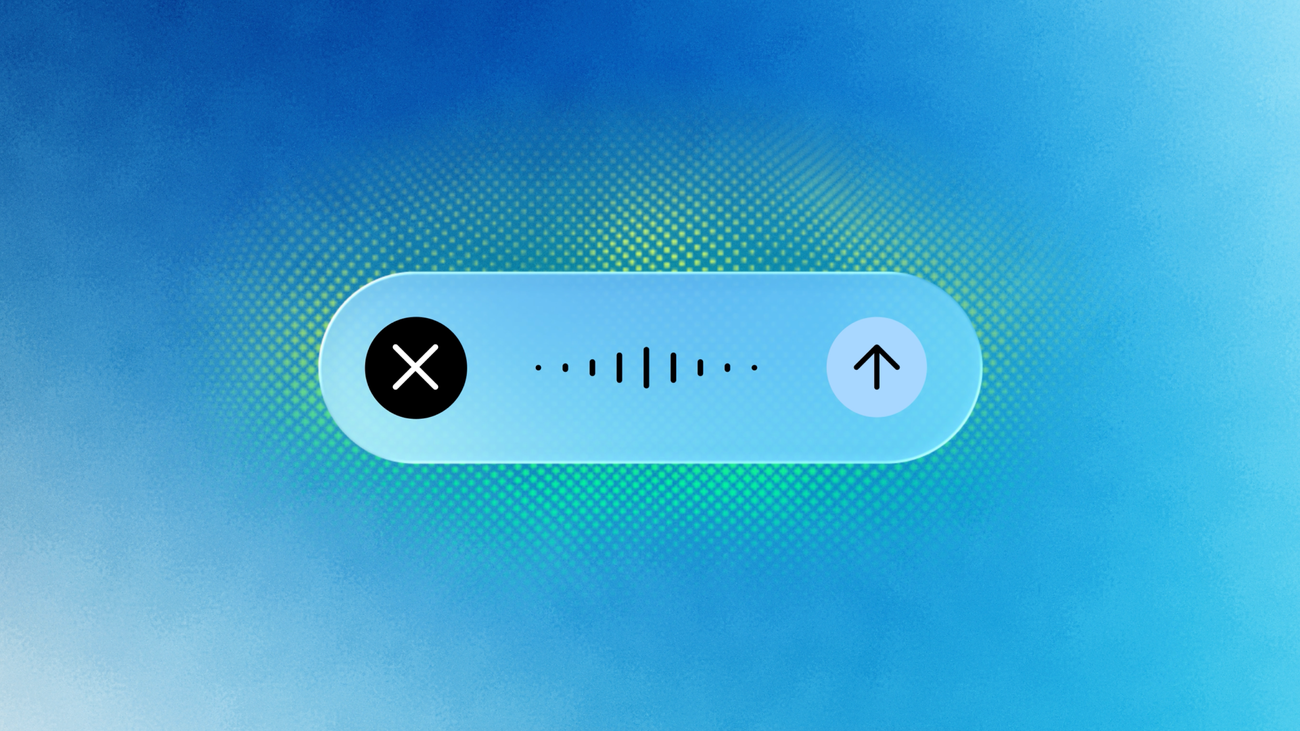
By long-pressing the Fn key, you can speak naturally into any window on your desktop. By default, this enables intelligent dictation, letting you easily transcribe your spoken words into clean, polished text — automatically removing the “ums” and “ahs,” catching mid-sentence corrections, and dropping the formatted text instantly at your cursor.
If you want Gemini to do more than intelligently transcribe, you can opt into Gemini reasoning through your settings. Once enabled, Gemini can understand the context on your screen to help you execute complex tasks. For example, you can:
- Extract and summarize information: Highlight local files, images, or documents on your desktop and tell Gemini exactly what you need. For example, you can say “Read these vet files and summarize my dog’s medical history in an email to the kennel.”
- Compose and rewrite text: Highlight text anywhere on your screen and use your voice to instantly rewrite it, tweak the tone, and drop the polished version right where you need it. Try saying, “Turn these notes into an executive summary with a TL;DR at the top.”
- Generate and edit images: Use your voice to create visuals when conceptualizing an idea or enhancing a travel itinerary, or iterate on a design on your desktop by referencing it to request quick updates. Try saying, “Take this illustration and generate a dark-mode version of it.”
This new voice capability is rolling out globally to all users of the Gemini app for macOS in English, with more languages coming soon. Download the app at gemini.google/mac to get started.
Key New Features
- Intelligent Voice Dictation: Press and hold the Fn key to speak naturally into any active text field. Gemini automatically filters out filler words (like “ums” and “ahs”), processes mid-sentence self-corrections, and drops polished, formatted text right at your cursor. [2, 3, 4, 5]
- Screen Context & Reasoning: By enabling the optional “Reasoning” setting, Gemini analyzes what is currently displayed on your screen. You can highlight text in any app to rewrite it, change its tone, or format it via voice commands. [2, 3, 5, 6]
- Local File Processing: You can select local desktop documents, PDFs, or images in Finder and ask Gemini to extract key information, compile data into tables, or draft summaries. [5, 6, 7]
- Voice-Activated Image Generation: Describe a visual prompt out loud to generate and drop images directly into your active workspace. [5]
How to Use the Feature
- Activate Dictation: Long-press the Fn key, speak your thoughts, and release the key to drop text.
- Turn on Reasoning: Open the Gemini app and go to Settings > Speak to Window to toggle on advanced screen context and reasoning.
- Availability: The feature is currently rolling out globally in English. You can download the native assistant directly from Google’s official Gemini for Mac page. [1, 2, 5, 8]
Read more
. Gemini Robotics 2 brings whole body intelligence to robots
. NOAA and Google Cloud collaborate to advance weather forecasting.
. Google Workspace Weekly Recap – July 31, 2026
. Meet Qwen3.8-Max: A New Bar for Coding and Cowork
. 5 ways to host the ultimate dinner party with Google Search
. 5 ways AI Mode in Search helps you enjoy the real world
. These Google Trends show people really want to touch grass
. 2026-07-01 124 344 Codex Pets Meet The Team USEN YOUTUBE 1920×1080
. OpenAI’s New AI ASTRA Is Total Overkill (Ends The GPT Era)
. 3 new ways nonprofits can put AI to work
. Gemini API Managed Agents: 3.6 Flash, hooks, and more
. Provide more clear, contextual feedback with timestamped comments in Google Drive videos
. How Gemini Flash agents are helping a Michigan dairy farmer
************************************************************
601. Google Pixel 11 Pro Fold Open
for more refer Gemini website click here
for more refer Artificial Intelligence website click here