


Read Along in Google Classroom is now available to all education users to support foundational literacy
Read Along in Google Classroom is now available to all education users to support foundational literacy
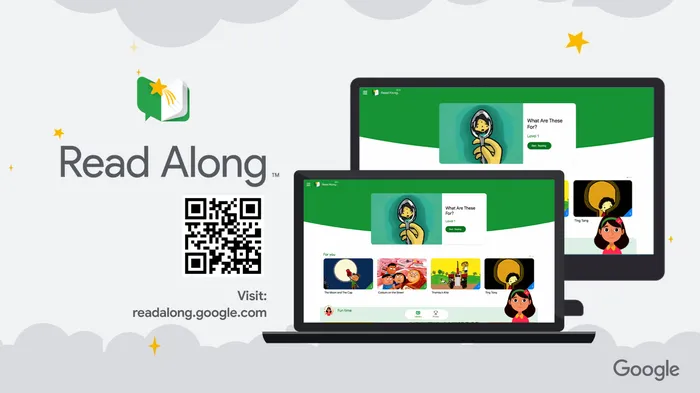
Read Along in Google Classroom, an AI-powered literacy tool that provides in-the-moment support to students as they read aloud, is now available to all Google Workspace for Education users at no cost. We believe this will open access to literacy tools for millions of students, and help educators and education leaders achieve better learning outcomes and progress on foundational literacy.
- A tailored reading experience in Google Classroom: Educators can easily create interactive reading activities right within Classroom, giving students in-the-moment support while getting actionable insights related to their reading skills.
- Real-time reading support: Learners get help with pronunciation as they read aloud and get word breakdown support.
- Class and student insights to inform instruction: View information on accuracy, speed, comprehension, phonics skills, and progress for individual students and the entire class.
- An extensive content library: Choose from over hundreds of books across eight languages: English, Spanish, Portuguese, Urdu, Arabic, Thai, Indonesian, and Malay. This includes content such as Heggerty decodables, ReadWorks articles for higher-grade learners, and localized publisher titles like Turma da Mônica in Brazil.
- Multilingual support: For students learning English, the reading buddy can provide real-time support in both English and their native language so they can practice their vocabulary. Native language support is available in Spanish, Portuguese, Urdu, Arabic, Indonesian, and Malay.
- Story creation with Gemini: With help from Gemini, educators can create differentiated reading activities tailored to phonics skills needing practice, specific topics, and reading levels.
- Existing content: Add existing class content to better tailor real-time student support and insights with Read Along.
Getting started
- Admins: Read Along will be available by default and can be disabled at the domain and OU level. It can be enabled at the group level even if it is disabled at the OU level. Visit the Help Center to learn more about turning Read Along on or off for users.
- End users: Visit the Help Center to learn more about Read Along in Classroom.
Rollout pace
- Rapid Release and Scheduled Release domains: Rolling out now, with expected completion by July 3, 2026
Availability
- Education: Education Fundamentals, Standard, and Plus
- Education Add-ons: Google AI Pro for Education; Teaching and Learning; Endpoint Education
- Other Editions: Nonprofits
Resources
- Google Workspace Admin Help: Turn Read Along on or off for users
- Google Classroom Help: Read Along in Google Classroom

Core Features for Students and Educators
- Real-Time Reading Buddy: The built-in AI assistant, Diya, listens to students read aloud, provides immediate feedback on pronunciation, and gives word-by-word breakdowns. [4, 7]
- Flexible Reading Modes: Students can utilize the standard “read aloud” mode or a “silent reading mode,” allowing them to practice in busy classrooms without disrupting peers. [8, 9]
- Actionable Performance Insights: Educators receive automated data regarding student reading accuracy, speed (words per minute), comprehension, and phonics skills. [4, 9]
- Diverse Content Library: Access to hundreds of fiction and non-fiction books, including Heggerty decodables and ReadWorks articles designed for higher-grade learners. [4, 5]
- AI-Assisted Story Creation: Teachers can use integrated Gemini capabilities to quickly generate custom, differentiated stories tailored to specific phonics skills or reading levels. [4, 10]
- Multilingual and ELL Support: Native language support is available across eight major languages (including English, Spanish, Portuguese, Urdu, Arabic, Thai, Indonesian, and Malay) to assist English Language Learners (ELL) with vocabulary development. [4]
Getting Started for Administrators
- Default Status: The feature is available by default but can be fully managed at the domain, Organizational Unit (OU), or group level.
- Activation: IT admins can adjust these permissions directly via the Google Admin Console under the Workspace core services management panel. [4, 11]
Read more
. Tag Claude in, right where you already work
. World Surf League x Apple: How Apple Watch Changed Pro Surfing
. Updates to Gemini in Google Classroom
. Stricter classifications for Google Groups to enhance data security and privacy
. Preserving cultural heritage: Inside Google DeepMind’s collaboration with Pelé
. How to use Agent in Google Flow | Find Your Flow
. What’s trending on Google this summer
. NVIDIA cuPhoton: The Tech Fast-Tracking Space Discovery
. Unitree R1 | Price from $4,900, Ready Stock
for more refer Gemini website click here
for more refer Artificial Intelligence website click here