
5 ways to learn with study notebooks in the Gemini app
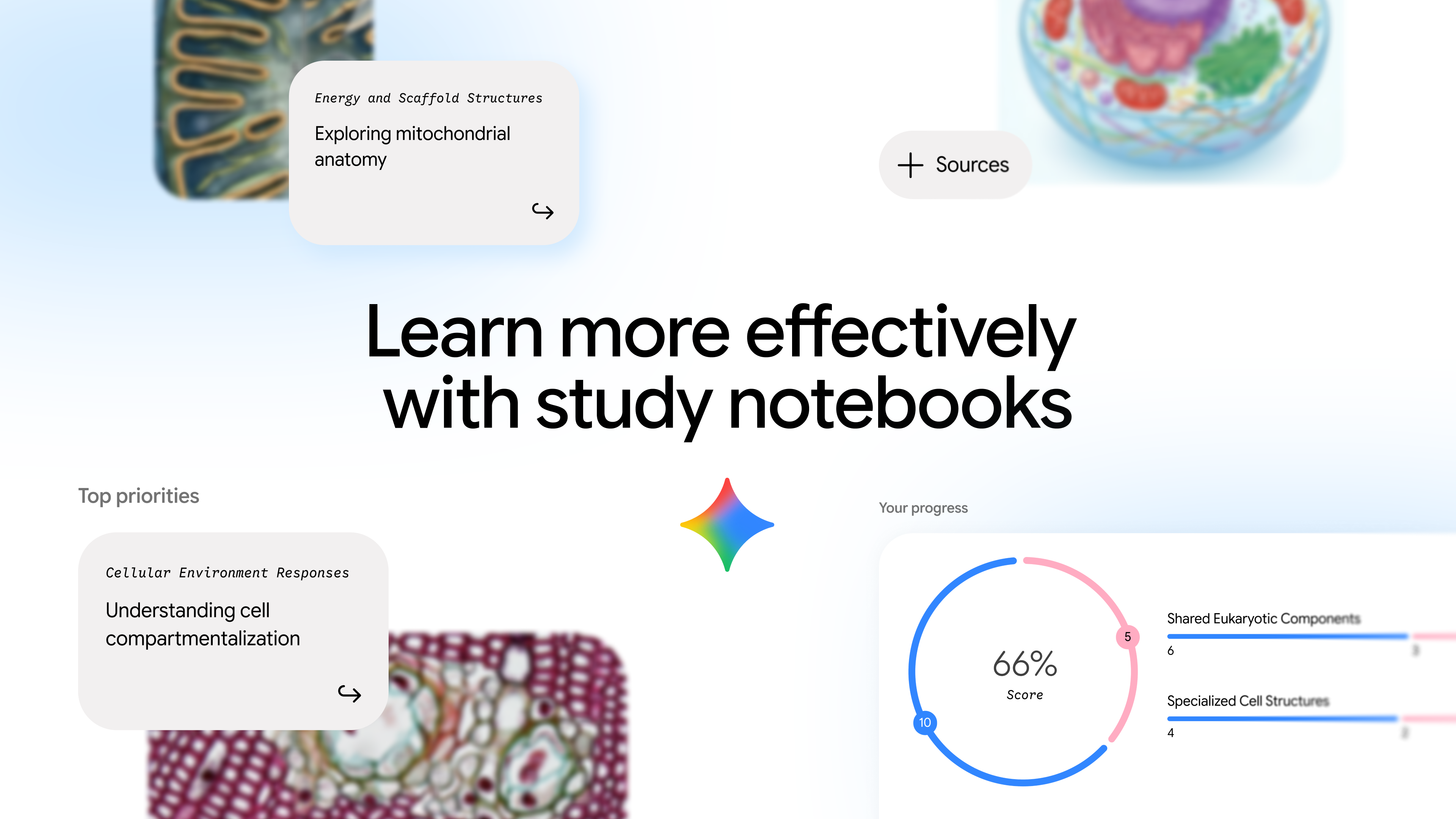
In the Gemini app, we’re rolling out study notebooks, a dedicated space that turns Gemini into an interactive, adaptive learning platform. They offer personalized lessons for every student’s learning goal, whether that’s tackling a school course, quiz or standardized test.
Studying can feel overwhelming, especially when you don’t know where to start or what to focus on next. That’s why we’re introducing study notebooks in the Gemini app.
Study notebooks are designed specifically for students. As a goal-oriented learning space, they generate personalized lessons based on your real-time strengths and knowledge gaps. Your progress is tracked through a custom dashboard based on an initial diagnostic quiz and then follow-up quiz performance. Here are five ways to learn with study notebooks in Gemini:
1. Assess your knowledge gaps
To start, upload your syllabus, notes, reading materials or other class materials. Gemini will then generate a custom diagnostic quiz to establish an academic baseline. It actively pinpoints your unique strengths and weaknesses, so you know exactly which areas need attention, replacing guessing games with a tailored learning plan.
2. Study with bite-sized lessons built just for you
Once your baseline knowledge is assessed, your study notebook crafts short lessons designed to tackle your knowledge gaps. Each lesson includes practice quizzes to test your understanding, which are based on class materials you uploaded. While studying, you can pause at any time to ask questions right within your study notebook. Coming later this summer, lessons will feature more visuals like diagrams and interactive visualizations.
3. Track your progress
Study notebooks feature a personalized, skill-based progress dashboard that tracks your learning in real time. To do this, Gemini is breaking down your learning goal into more than 100 specific learning objectives, then grouping those into topics and tracking your progress. It labels these as “Strengths,” “Focus areas” or “Not started,” updating automatically as you complete quizzes in follow-up lessons. The dashboard actively ranks and recommends your top priority lessons so you always know your next step, while still allowing you to filter and browse by specific strengths, focus areas and more.
4. Prep for standardized exams
Preparing for major milestone exams can be stressful and expensive. Today, you can prepare for exams like the SAT — grounded in authoritative questions from The Princeton Review — directly within study notebooks. Standardized exam prep uses the same diagnostic quiz and personalized bite-sized lessons with progress checks to help you pinpoint your strengths and focus areas. We’re continuing to add more standardized tests in study notebooks including JEE, NEET, ENEM, ACT and GRE this summer.
5. Stay organized
Because your notebook’s sources are seamlessly integrated across Gemini app and NotebookLM, you can easily reference past chats and use your uploaded class materials right within NotebookLM to generate interactive flashcards, Video Overviews and more.
5 ways Study notebooks are rolling out globally in all languages. 1
- Assess Your Knowledge Gaps
Upload your syllabus, lecture slides, or dense reading materials. Gemini will generate a custom diagnostic quiz to map out what you already know and pinpoint exactly where you need to focus. [1, 2, 3] - Study Bite-Sized Lessons
Instead of being overwhelmed by textbook chapters, your study notebook creates short, targeted lessons paired with follow-up practice quizzes based directly on your uploaded materials. [1, 2] - Track Your Learning Progress
Stop guessing if you are ready for the test. Use the personalized, skill-based progress dashboard that breaks down your major learning goals into more than 100 specific, actionable objectives. [1, 2] - Prep for Standardized Exams
Take the stress out of milestone studying. Use your notebooks to prep for standardized exams like the SAT, GRE, ACT (via The Princeton Review), JEE, or NEET with structured feedback loops. [1, 2] - Integrate with NotebookLM
Your notebook’s sources are seamlessly linked to the Google Labs NotebookLM platform. Easily carry over your materials to generate interactive flashcards, study guides, and audio overviews. [1, 2, 3] 5 ways
Read more
. How a Kentucky school district is scaling writing feedback with Gemini
. Our latest Google Finance upgrades, including a new app
. Elevate your campaign performance with June’s Demand Gen Drop.
. Google.org is funding three long-term partners on education and AI
. Google: Meta Descriptions Not Required For SEO. But They’re Worthwhile.
. Microsoft Building reliable voice agents: A practical guide
new ways to make your day easier with Gemini for Home voice assistant
. Bringing AI to India’s digital health infrastructure
. Updated admin setting for improved video quality in Google Meet
. Educators and students can now share Gemini Canvas creations directly to Google Classroom
. mobile device management admin privileges based on organizational unit
. The Most Searched Sport | Kick it
for more refer Gemini website click here
for more refer Artificial Intelligence website click here

