


Android makes it easier to share, switch and connect securely
Android makes it easier to share, switch and connect securely
The latest Android updates let you share files and switch devices with ease and keep your chats secure. Here’s what’s new.
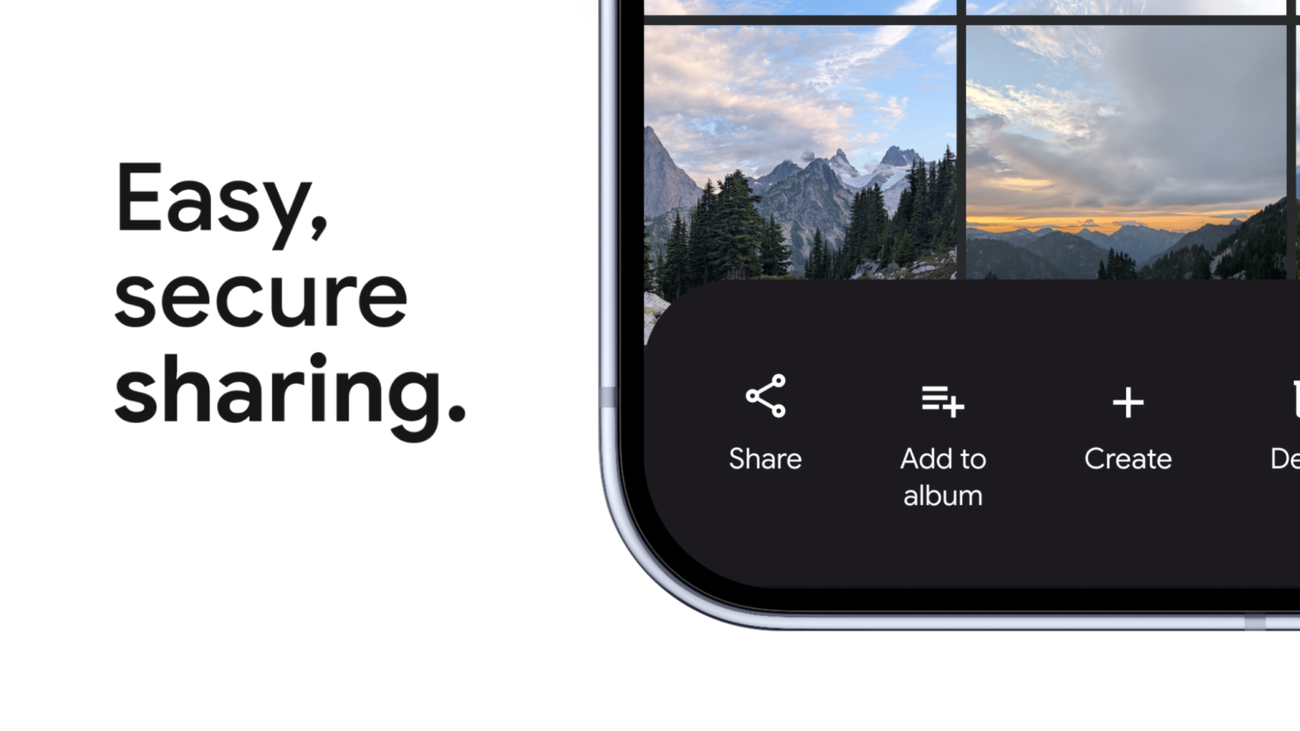
Share with anyone, on any device
We’ve all been there: trying to send a video from a family gathering to a group of people who all have different phones. To make this easier, we made Quick Share compatible with AirDrop for supported Android phones starting with Pixel, and we’re expanding to more partners including Samsung, OPPO, OnePlus, Vivo, Xiaomi and HONOR this year. 1
If you don’t have a compatible device, you can use Quick Share on any Android phone to generate a QR code, which will let you instantly share with iOS devices via the cloud. This feature starts rolling out to all Android phones today and will be fully available within the next month. Soon, we’ll also make Quick Share available inside some of your favorite apps, including WhatsApp.
Switch to Android with ease
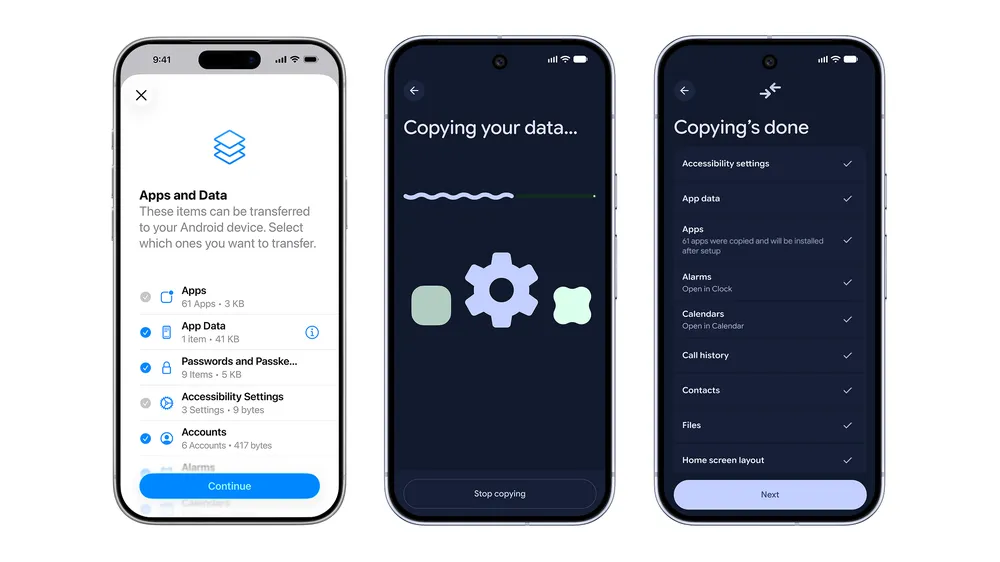
We worked with Apple to overhaul the iOS-to-Android transfer process to ensure your data moves with you. Your passwords, photos, messages, favorite apps, contacts and even your homescreen layout can migrate wirelessly from your iPhone to your new Android device. This upgraded process, which also supports eSIM transfer, will launch first on Samsung Galaxy and Google Pixel devices this year.
Connect more securely
With 2.5 billion RCS messages sent daily — based on the average from the past 28 days — secure communication is more important than ever. To keep your chats safe, we’re rolling out end-to-end encryption for RCS messages across Android and iOS.
- Share Anywhere:Quick Share now works across Android phones, tablets, and with third-party apps like WhatsApp to send files securely, even without a shared network, often using nearby Bluetooth and Wi-Fi.
- Easier Switching: New, improved wireless migration allows transferring, apps, photos, and messages directly from an iPhone to a new Android device.
- Secure Connection: The setup process enables quick and secure transfer of data (photos, contacts, apps) from old to new Android devices using either a USB cable or local, high-speed Wi-Fi, often allowing users to choose exactly what to move.
- Proactive AI:Gemini Intelligence is being integrated into Android, offering proactive help across devices (phone, car, watch) while keeping data private. [1, 2, 3, 4, 5]
- Tell you which files can be transferred wirelessly
- Explain how to use Quick Share
- Provide tips on securing your data during the transfer [1]
Read more
135. New AI-powered bidding and budgeting innovations in Search and Shopping
136. Gemini 3.1 Flash TTS: the next generation of expressive AI speech
137. How IMAX 70MM Film is Projected!
138. End of an Era, Evan Speechly | Your legacy at RCB will always be remembered | IPL 2026
139. I Played Gully Cricket In India
140. Join the new AI Agents Vibe Coding Course from Google and Kaggle
141. Add avatars when you convert presentations to Vids
142. Reclaim your time with Pause Point.
143. How were protecting you from scams and fraud
144. How Introducing Googlebook
145. The Android Show: I/O Edition | Googlebook
146. Introducing Gemini Intelligence
for more refer Artificial Intelligence website click here