


Automate workflows with custom starters and steps, third-party integrations, and webhooks in Workspace Studio
Automate workflows with custom starters and steps, third-party integrations, and webhooks in Workspace Studio
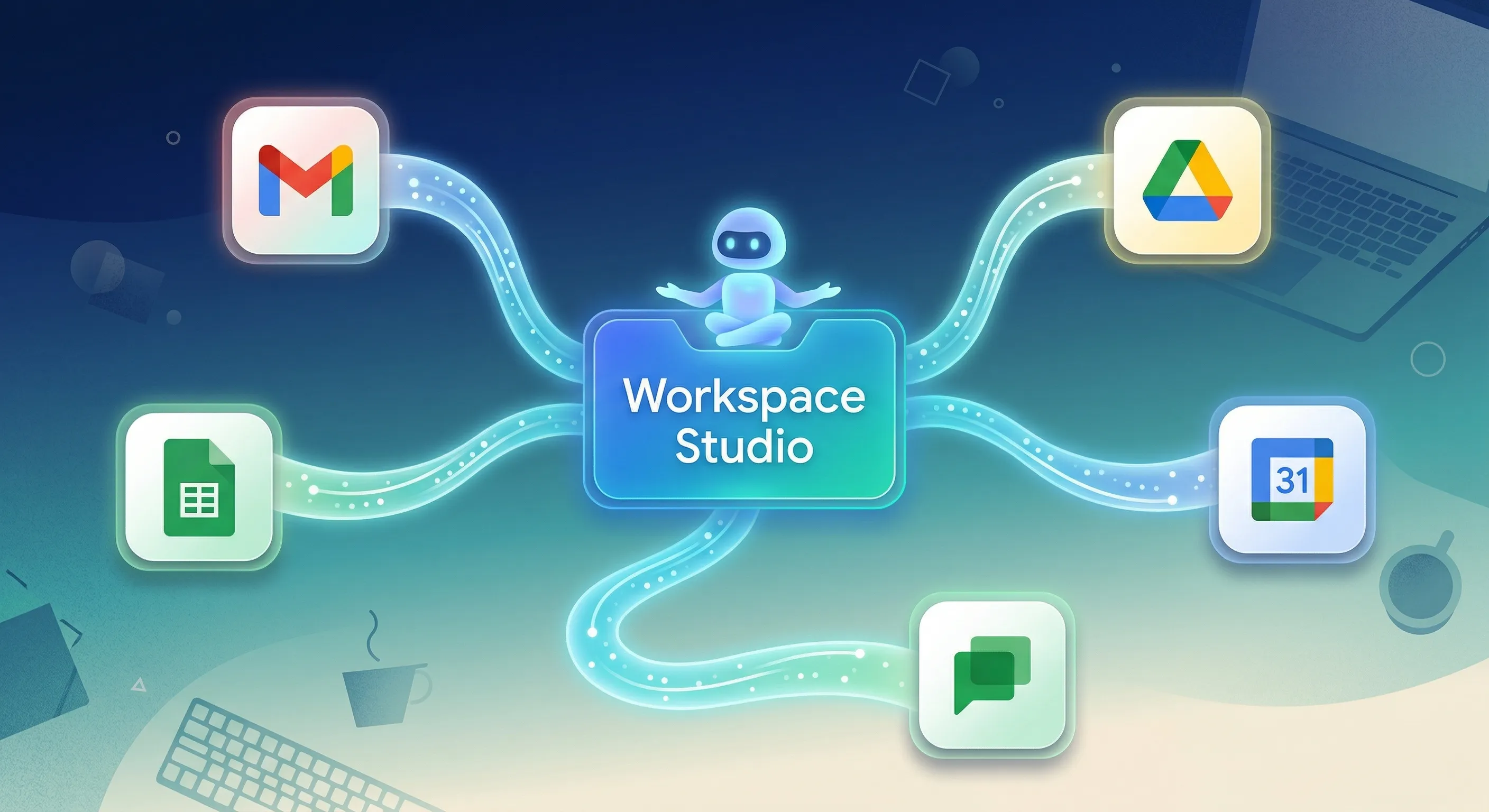
To expand the capabilities of Workspace Studio and help teams build powerful, custom automations, we are introducing four new features for flows in Workspace Studio: custom starters, custom steps, third-party (3P) integrations, and webhooks. These new capabilities empower users to seamlessly connect custom Google Apps Script functions, integrate third-party services, and trigger external webhooks directly within flows in Workspace Studio.
All of these features are backed by granular enterprise security controls that allow admins to safely enable and adopt agentic capabilities across their organizations.
- Custom starters: Build and publish custom, real-time triggers to run flows based on events in other applications.
 |
| Custom starter that triggers a Studio Flow from an external application |
- Custom steps: Build and run custom logic (e.g. using Apps Script) and tailor flows to advanced business needs.
 |
| Create custom steps using Apps Script |
- Third-party integrations (Beta): Connect third-party applications and services to pass data effortlessly between Workspace and external tools to automate your business flows. The following integrations are available:
- Asana
- Confluence
- Hubspot
- Jira
- Mailchimp
- Quickbooks
- Salesforce
- Slack
 |
| Step to add a Jira comment in Studio Flows |
- Webhooks: Send HTTP requests to external endpoints and trigger actions in them. On supported editions, admins can set an URL allowlist for webhook access.
 |
| Webhook step in Studio Flows |
Getting started
- Admins:
- These features are OFF by default. Admins can enable them in the Workspace Admin Console under Apps > Google Workspace > Workspace Studio:
- Custom steps settings
- Integration settings
- Webhook settings
- Admins can change the human approval requirements in the Workspace Admin Console under Apps > Google Workspace > Workspace Studio > Approvals. Custom steps and Integration have their own approval settings, while Webhooks respect the approval settings for Sensitive Steps.
- Visit the Admin Help Center to learn more about setting up Workspace Studio, allowing or blocking custom starters and steps, allowing or blocking integration steps, and allowing or blocking send a webhook.
- These features are OFF by default. Admins can enable them in the Workspace Admin Console under Apps > Google Workspace > Workspace Studio:
- End users: Try the new features in Google Workspace Studio. Learn more by reviewing the Help Center articles for Custom Starters and Steps, Third-party Integrations, and Webhooks
Rollout pace
Admin console settings
- Rapid and Scheduled Release domains: Full rollout (1-3 days for feature visibility) starting on September 17, 2026
End-user visible features
- Rapid Release domains: Full rollout (1-3 days for feature visibility) starting on September 21, 2026
- Scheduled Release domains: Gradual rollout (up to 15 days for feature visibility) starting on September 30, 2026
Availability
- Business: Business Starter, Standard, and Plus
- Enterprise: Enterprise Standard and Plus
- Education: Education Fundamentals, Standard, and Plus
- Education Add-ons: Google AI Pro for Education; Teaching and Learning
- Other Add-ons: AI Expanded Access
*Webhook URL allowlist functionality is available for Business Plus; Enterprise Standard and Enterprise Plus; Education Standard and Education Plus
Resources
- Google Workspace Admin Help: Workspace Studio
- Workspace Studio Help: Get Started with Workspace Studio
- YouTube: Workspace Studio Playlist
- Discord: Workspace Studio Channel
🛠️ The 4 Core Automation Additions
- Custom Starters: Launch automated flows based on real-time events happening outside of Google Workspace (e.g., a new record added in Airtable or a ticket update in a support desk). Developers can build these using Apps Script or HTTP add-ons. [3, 4]
- Custom Steps: Execute your own tailored business logic right in the middle of a flow. This allows teams with proprietary internal databases or specialized services to build custom Apps Script tasks like triggering an internal SMS or generating custom tasks. [1, 4, 5]
- Third-Party (3P) Integrations (Beta): Native plug-and-play steps for external platforms. You connect the account once and can immediately drag and drop actions into your flow editor. The beta launch list includes:
- CRM & Sales: Salesforce, HubSpot.
- Communication & PM: Slack, Asana, Jira, Confluence.
- Finance & Marketing: QuickBooks, Mailchimp. [1, 2, 4, 6]
- Webhooks: Outbound HTTP requests that send payloads directly to external endpoints, allowing you to instantly trigger downstream actions in virtually any enterprise system. [2, 3]
⚙️ How to Configure and Build Flows
1. Admin Setup (Google Admin Console)
- Log in to the Google Admin Console.
- Navigate to Apps > Google Workspace > Workspace Studio.
- Toggle Custom steps, Integrations, and Webhooks to ON.
- Go to Approvals to enforce human-in-the-loop requirements for sensitive data actions.
- Define a strict URL Allowlist to restrict webhook access to verified internal or third-party endpoints. [2, 6]
2. Building a Flow with Custom Elements
[Custom Starter / External Event]
               │
               ▼
     [Gemini AI Step / Logic]
               │
               ▼
 [Custom Step or 3P Integration Action]
               │
               ▼
     [Outbound Webhook / HTTP]
- Click Create flow. [8, 9]
- In the starter card, click Add a starter and pick your installed add-on or tool from the selection panel. [8]
- Enter your necessary configurations (e.g., resource filters, third-party authentication tokens). [8]
- Add downstream steps. The custom starter’s output variables (like event payloads, names, and timestamps) automatically map to the variable picker for subsequent steps. [8]
- Click Turn on. Workspace Studio will automatically handle the back-end subscription lifecycle (registering webhooks on activation and un-subscribing if the flow is turned off or deleted). [8]
Read more
. Google partnering with the State of Delaware to provide free AI and career training.
. How developers build AI for good with Gemma 4
. Data regions support for Google Apps Script now generally available
. Reach your audience in new ways with August’s Demand Gen Drop.
Automate workflows
. Gemini Omni 1.1 Flash lets you build with more control
. View conference room and meeting location details directly on the Google Meet homepage
. Introducing Expert Intelligence in Gemini Notebook
. Google Flow brings new creative control features to enhance video editing.
. Gemini introducing flexible usage limits for Gemini Notebook.
. Expert Intelligence: a new way for you to engage with trusted content
for more refer Gemini website click here
for more refer Artificial Intelligence website click here